Case study · Beta
Carina
Bring your playlist. Carina plays it.
WindowsmacOSAndroid TVLG webOSFlutterDartlibmpvSQLiteTypeScript
The problem
A big TV playlist, a thousand channels and a week of programme guide, makes most players slow. And many of them blur the line between a player and a provider.
The idea
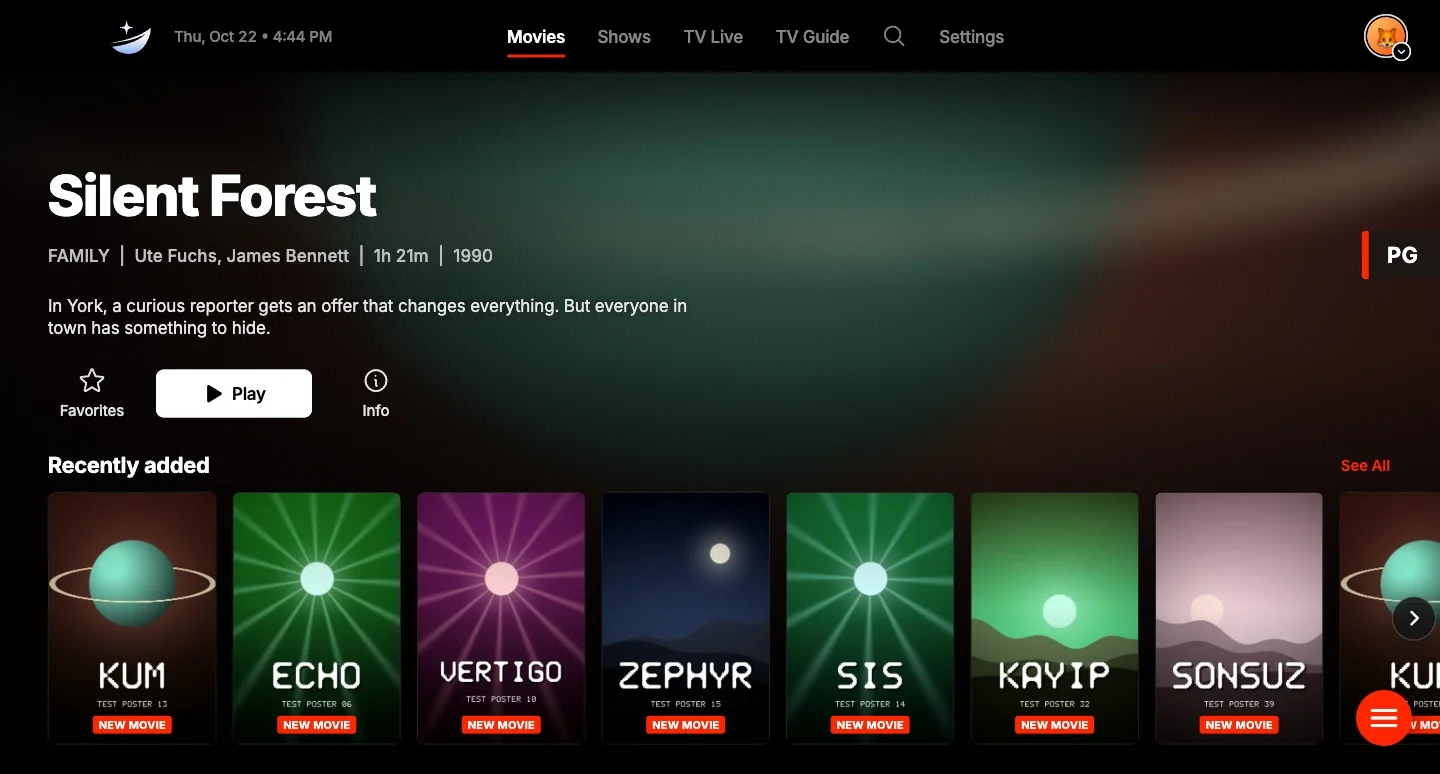
A player and nothing else. Carina ships no channels, no content and no provider. You add your own Xtream Codes account or M3U playlist, with an optional XMLTV guide, and Carina turns it into live TV, a guide, films and shows.
It is Vela’s sibling. In the old Argo Navis constellation, Vela is the sails and Carina the hull. The new mark is a star and a sail, ice-blue on navy.
What I built
One Flutter codebase, more than 100,000 lines of Dart, for Windows, macOS and Android TV. It keeps everything on the device: playlists, credentials and settings. There is no account, no analytics and no telemetry. The interface is in English and Turkish.
Next to it sits a second, much smaller app for LG webOS, written in TypeScript with no UI framework, because Flutter cannot run there.
How it plays
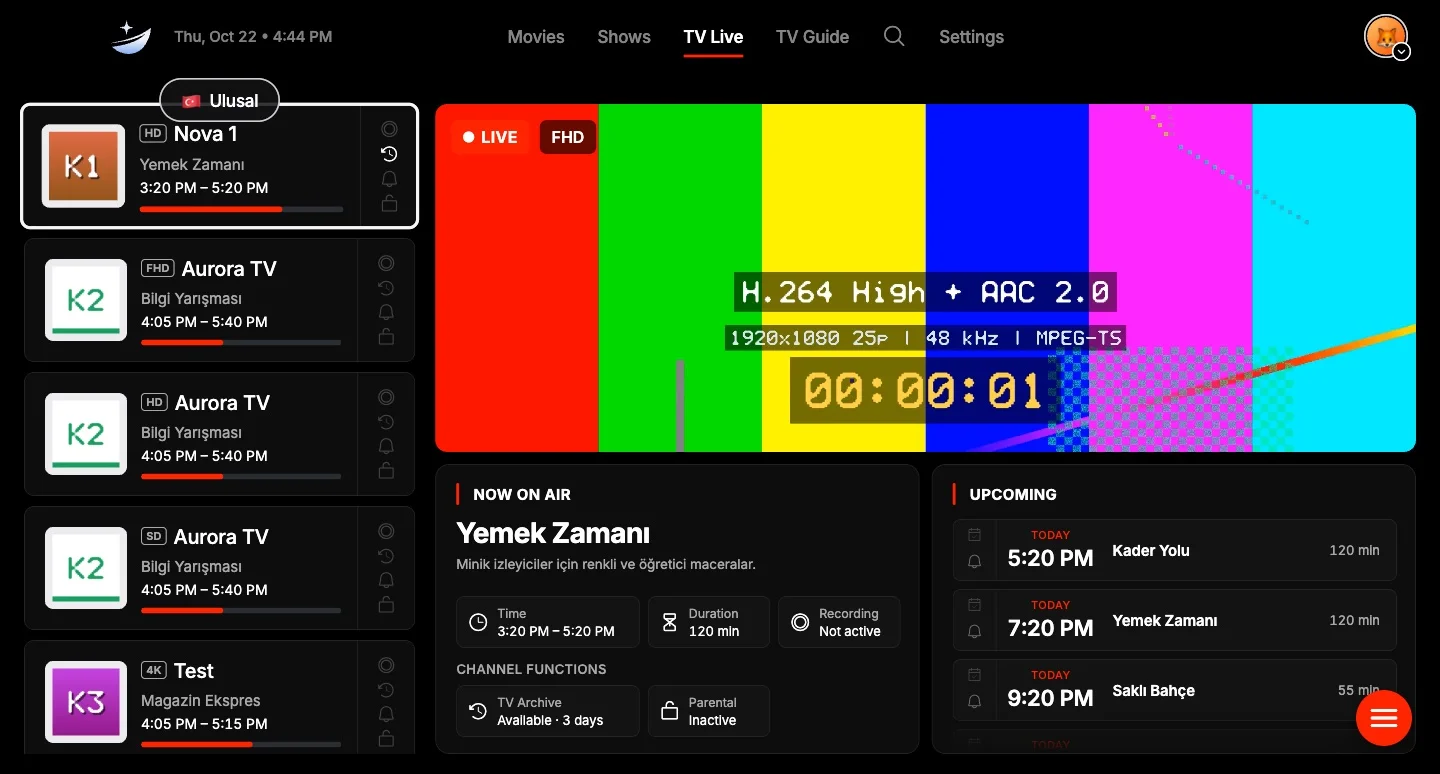
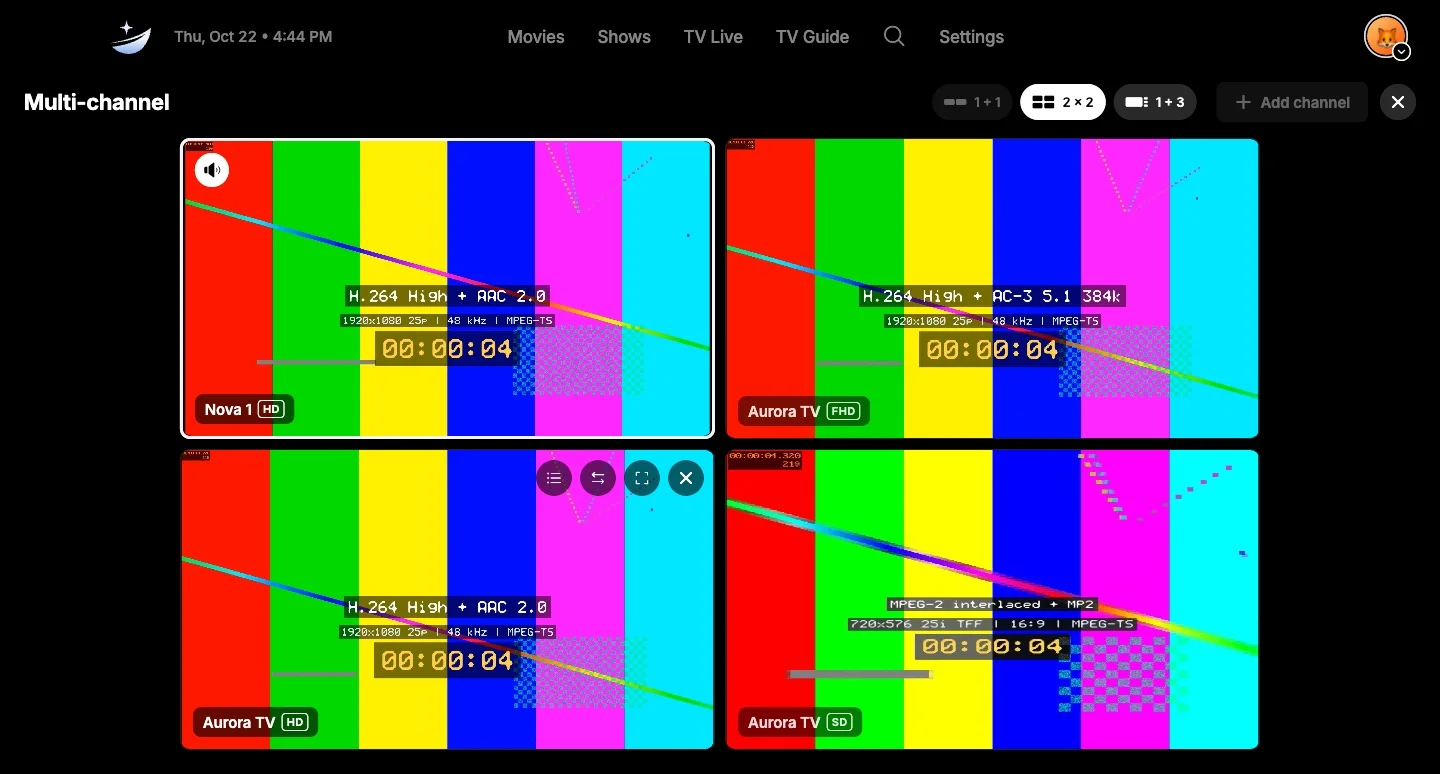
libmpv, through media_kit, does the playback. AC-3, E-AC-3, HEVC, MPEG-2 and interlaced streams all play. The player has audio, subtitle and picture menus, resume, next episode and a stats overlay. Up to four live channels can play at once.
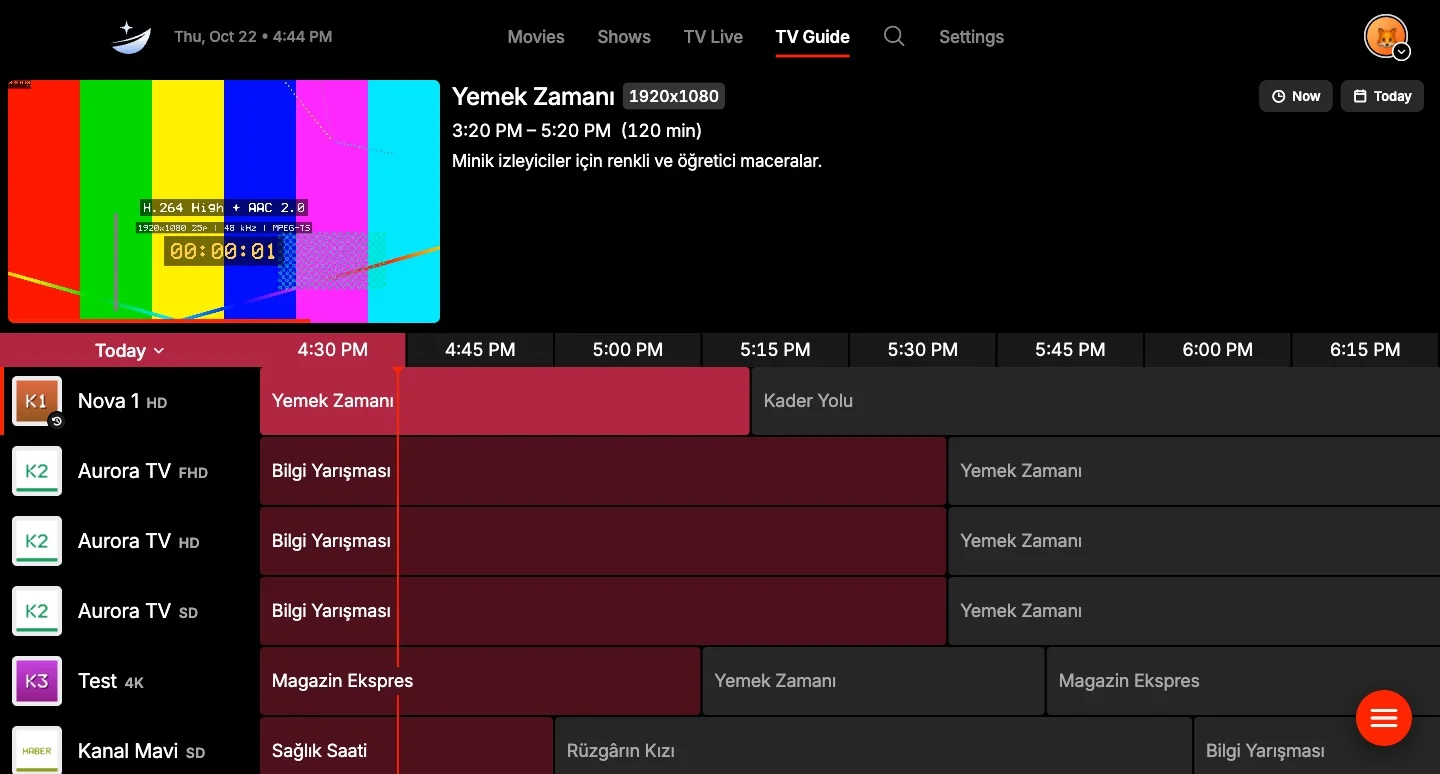
The TV guide is custom-painted and virtualised. In my tests it scrolls 1,000 channels over 7 days at 60 fps. Search runs on SQLite FTS5 and ignores Turkish accents. Playlists import as a stream, in batches, so a large one does not sit in memory.
The tests run against a mock IPTV server I wrote: Xtream, M3U, XMLTV, live TS and HLS, and video on demand with range requests. Every screenshot on this page comes from that server, so the channels, programmes and posters are made up.
Ten-foot UI
The design was already close to a TV interface: big focus rings and a scale-up on focus. The TV port was about the remote. OK acts as Enter, Back walks up one level and closes overlays only when they can be closed, and holding OK opens a context menu.
I audited every screen for traps: every control has to be reachable with arrow keys, and focus has to land on something visible. The player got a seek bar you can focus and an on-screen button for the previous channel. Typing on a TV is painful, so the TV shows a QR code and you add a playlist from your phone.
One codebase, every screen
The scope is TV, Mac and Windows. I decided against a phone, tablet or iPhone version. Windows and macOS builds come from the same Flutter code, and the Mac build is signed and notarized. Android TV is the same app in a TV-only runner, with a layout that fits 960×540 and a banner for the launcher.
LG webOS is a separate web app that targets Chrome 53, the engine in 2019 TVs, and works with a 1.5 GB memory budget. It parses large playlists in a Web Worker and releases images that scroll out of view.
The first public beta, 1.1.0 beta 1, ships all four on 22 October. It says plainly that Android TV and webOS have not been tried on a real TV yet. On the Android TV emulator the app imports a playlist and decodes video, but the emulator cannot draw the picture, so video output needs a real device.
My role
Designed and built by me. Work started on 17 October; the public repository began on 20 October. I work with AI coding agents and write the plan down first, as in docs/PLATFORMS.md, which lists what is verified in code and what is still to check on a device.
Facts
- Status
- Beta
- Platforms
- Windows and macOS, Android TV and LG webOS (the last two not tried on a real TV yet)
- Version
- 1.1.0 beta 1, a pre-release from 22 Oct 2026
- Commits
- 161
- Licence
- GPL-3.0, open source
Stack
- Flutter, Dart: one codebase for Windows, macOS and Android TV
- libmpv through media_kit: playback and codecs
- SQLite (drift, FTS5): the library and search
- Riverpod, go_router: state and navigation
- A custom-painted guide: 1,000 channels × 7 days at 60 fps
- TypeScript, esbuild: the LG webOS app, built for Chrome 53
- GitHub Actions, Inno Setup: installers and APK on every push