Case study · Coming soon
fokus
Help, without leaving your app.
macOSSwiftSwiftUImacOS
The problem
Asking an AI for help usually means a trip to a browser tab: copy, paste, wait, and find your way back to what you were doing.
The idea
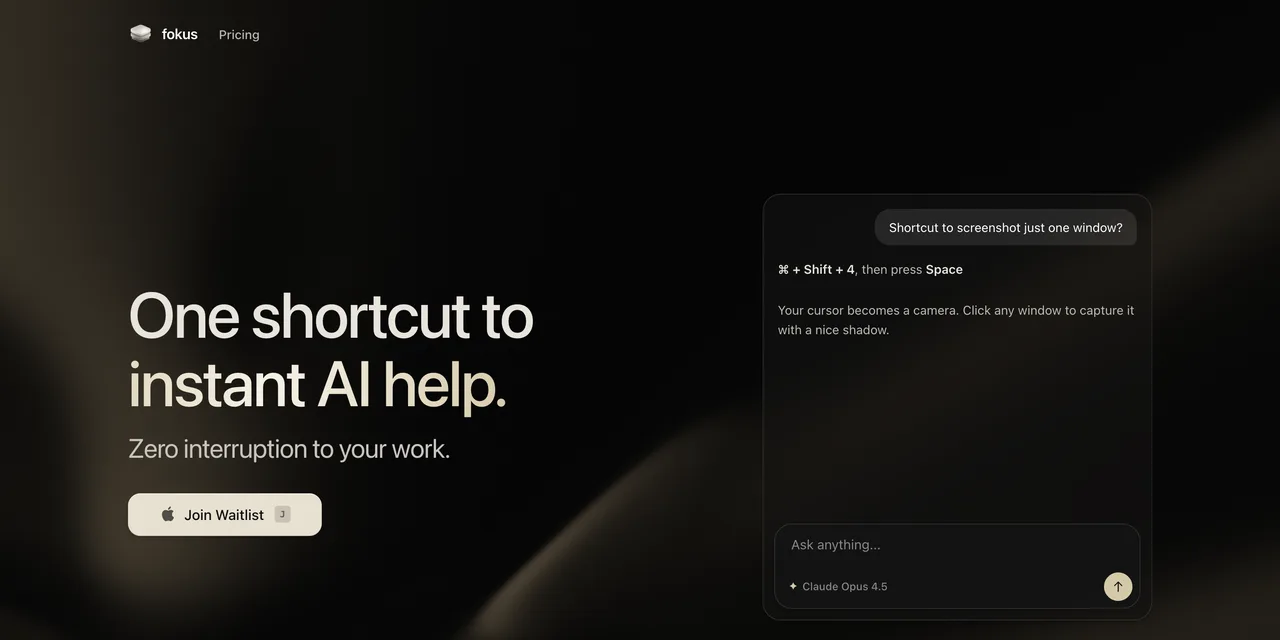
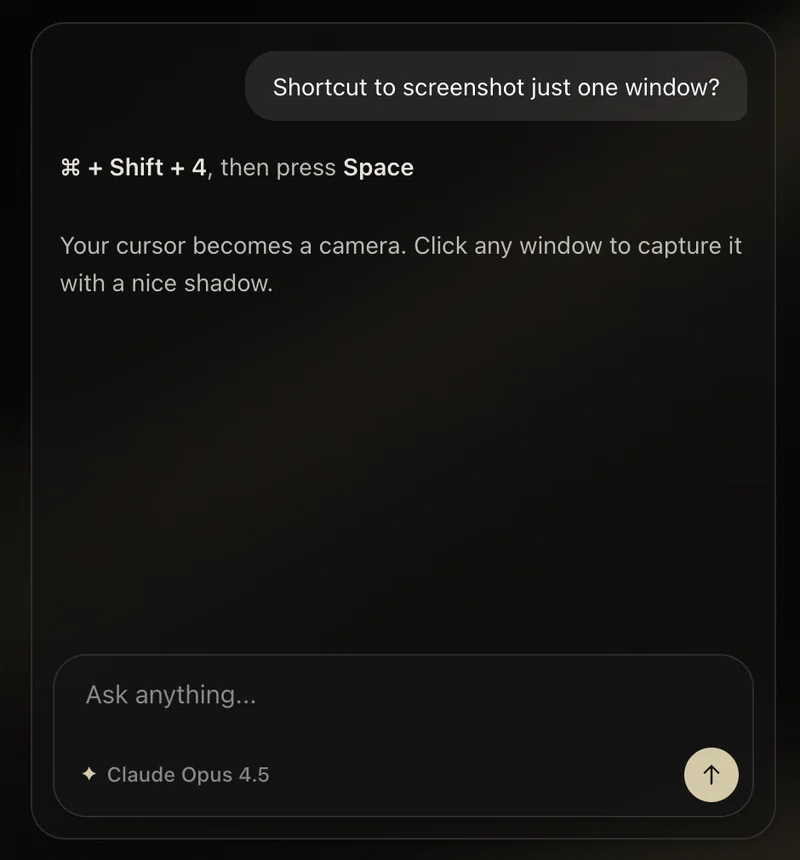
One shortcut, ⌥ Space, brings help to wherever you are on your Mac. You pick the model: Claude, GPT, Gemini, or one that runs locally.
What we built
A native macOS app in Swift and SwiftUI. It isn’t public yet; there is a waitlist on fokus.to.
Built together
fokus is a joint project with Çağatay of iori.studio. We built it together, and I worked on it as much as he did.
Facts
- Status
- Coming soon
- Platform
- macOS
- Shortcut
- ⌥ Space
Stack
- Swift, SwiftUI: the macOS app
- Claude, GPT, Gemini or a local model: the help, your choice